FANUC Robotics Training

Explore Our Robotics Training Classes:

A well-trained team helps maintain the performance of your robot, ensuring production is always operating at optimal levels. Trained employees have higher uptime, fewer errors/re-works, and cause less damage to products and systems.

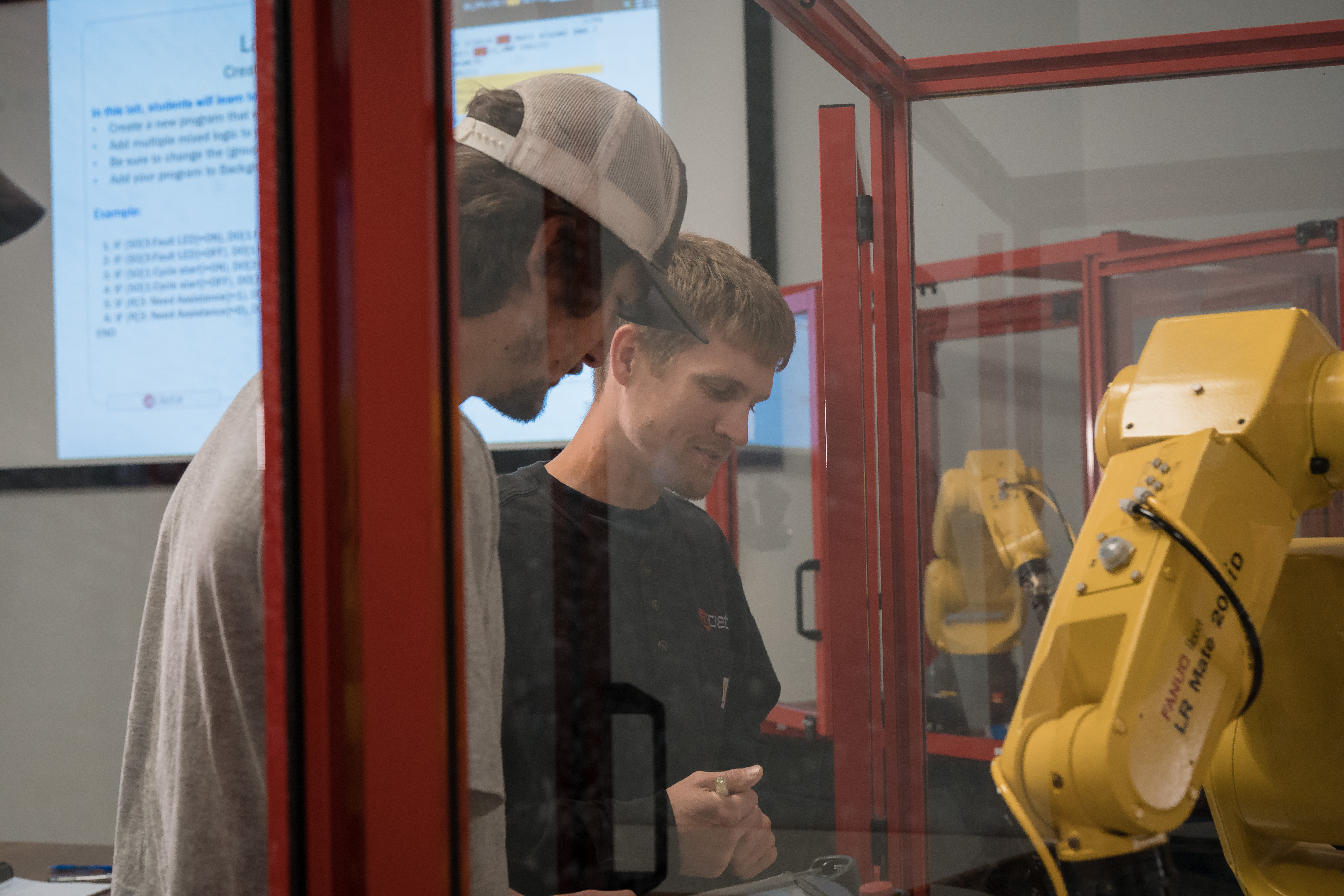
Acieta offers FANUC robotics training for teams looking to take control and gain a greater understanding of your robotic system. Our hands-on training courses are designed to keep your employees engaged and current on leading technology, while ensuring your systems run at peak performance.

CRX Cobot: Programming and Operations

Our CRX Cobot Programming & Operations training course focuses on the topics that will get you up and running quickly, including: how to set up, program, install and operate the FANUC CRX cobot.

Overview:

  • Robot System Overview
  • Collaborative Operation
  • DCS Basic Position Speed Check
  • DCS Safe I/O
  • Switching Contact Stop Value
  • Backing up and Restoring Software
  • Basic Components
  • Table TP Overview
  • Payload Confirmation
  • Payloads
  • iHMI Guides
  • Jogging
  • Manual Guided Teaching
  • Create Motion Program
  • Recording points
  • Running Programs
  • Stepping Programs
  • Contact Stop
  • Push to Escape
  • Recover from Contact Stop
FANUC Robot Maintenance and Troubleshooting

The Robot Maintenance & Troubleshooting training course was developed for operators, technicians, engineers, and programmers interested in learning how to troubleshoot a FANUC Robot and an R-J3iB, R-J3iC, R-30iA or R-30iB controller. The robot maintenance course will cover major equipment and component overview, basic robot operation, robot mastering multiple troubleshooting techniques, symptom overview as well as Robot PM and FANUC I/O discussion. 

Overview

  • General Safety
  • Major equipment/ component overview
  • Basic robot operation
  • Coordinate systems and jogging the robot
  • Stepping through and running a program
  • Removing and reinstalling the PSU
  • Symptom overview
  • Control power circuitry
  • On/Off Control
  • Troubleshooting when power cannot be turned on
  • Main board overview
  • Troubleshooting when teach pendant displays incorrectly or doesn’t respond
  • File manipulation (Backup/ Restore)
  • Main Board and PSU replacement
  • Servo loop discussion
  • Preparing for robot mastering
  • Robot mastering
  • Servo amplifier discussion
  • Servo amplifier replacement
  • E-stop circuitry
  • Clearing single chain faults
  • Troubleshooting when teach pendant displays alarm messages
  • Troubleshooting the E-stop/ Fence string
  • Robot PM discussion
  • FANUC I/O discussion
  • Review
FANUC Robot Operations

Intended for operators, mechanical engineers and maintenance workers with no previous robotic experience this course will give you a basic understanding of robotic functions and operations. Participants will learn general safety, troubleshooting, controls, teach pendant features, coordinate systems, alarm messages, data backup and more.

Overview

  • General Safety
  • Major Equipment & Teach Pendant Overview
  • Robot Axis Identification – 6 Axis Robots
  • Robot Controller/System Components Identify
  • Power Up/Power Down Controller
  • Teach Pendant Features and Navigation
  • Familiarization with Coordinate Systems
  • Manually Jog the Robot/Change Speed of Robot
  • User Frame/Tool Frame Discussion
  • Alarm Messages
  • Types of IO/Monitor IO/Force IO
  • Run a Program in Manual Mode Using The FWD/BWD keys
  • Perform controller backup/load files
  • Review
Programming and Operations - Robotic Welding

The Welding Programming & Operations course trains operators, technicians, engineers, and programmers on FANUC welding robot operation and programming. Participants learn robot setup, teach pendant use, payloads, backups, tool and user frames, weld procedures, and ramping techniques. The course covers creating, editing, and executing arc welding programs, along with macros, arctool setup, weld process schedules, and weave schedules for complete operational proficiency.

Overview

  • Robot Controller/System Components Identify
  • Power Up/Power Down Controller
  • Teach Pendant Features and Navigation
  • Familiarization with Coordinate Systems
  • Manually Jog the Robot/Change Speed of Robot
  • User Frame/Tool Frame Discussion
  • Alarm Messages/user alarms
  • Types of IO/Monitor IO/Force IO
  • Run a Program in Manual Mode Using The FWD/BWD keys
  • Perform controller backup/load files
  • Basic robot operation
  • Clearing faults and single chain faults
  • Coordinate systems and jogging the robot
  • Discuss the different frames
  • Create User and tool frames
  • Perform image and file back ups
  • Stepping through and running a program
  • Write a basic program
  • Setting the default motion instruction type
  • Position registers
  • Data registers
  • Messages and comments in a program
  • Program timers and cycle timers
  • Arc off and on commands
  • Weld procedure setup and modification
  • Program structure discussion
  • Programming labs, in which programs are created, modified, and executed
  • Monitor, force and simulate input and output signals
  • Arctool Setup and Weld Procedures
  • Weld Process Data
  • Ramping
  • Weaving
  • Review
Programming and Operations

Our Programming & Operations training course was designed for operators, technicians, engineers, and programmers who need to set up and program a FANUC Robotics Handling Tool Software. Participants will learn general safety, major equipment and component overview, basic robot operation, program structure and more.

Overview

  • General safety
  • Major equipment/component overview
  • Basic robot operation
  • Clearing faults and single chain faults
  • Coordinate systems and jogging the robot
  • Discuss the different frames
  • Create User and tool frames
  • Stepping through and running a program
  • Write a basic program
  • Setting the default motion instruction type
  • Create and execute macros
  • Background programs
  • Position registers
  • Reference positions
  • Data registers
  • User alarms
  • Messages and comments in a program
  • Program timers and cycle timers
  • Program structure discussion
  • Programming labs
  • Perform image and file back ups
  • Mastering discussion
  • Monitor, force and simulate input and output signals
  • Review
2D Vision

This one-day class is perfect for maintenance, process or systems engineers and project leads. Walk away with a solid understanding of the setup and overview of FANUC’s 2D iR Vision. We support most vision systems per request but teach off R-30iB and newer.

Overview

  • General safety
  • Different cameras, lenses, lighting
  • Different vision processes
  • Connection/hardware setup
  • Camera calibration
  • Camera focus
  • Contrast (aperture)
  • Adjust, setup recalibrate, how to implement into a program (use in programming)
  • Create vision processes
  • Modify current vision processes
  • Setup using a PC based operating system
  • Review

Register for Training


When Our Customers Succeed, We Succeed

— Alec Hohn, Engineering at MDS

“What’s been really worth our time and money is training. We trained on our cell with our parts at Acieta. It helped our guys be prepared, so they are comfortable and confident to run the robot.”